Practical steps to declutter your smartphone

Lily Michaels June 27, 2023
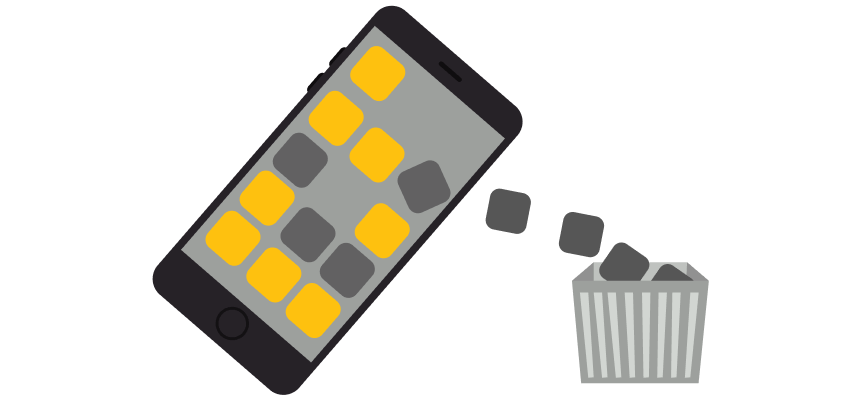
Smartphones have become an indispensable part of our lives. But with the average smartphone user having between 60 to 90 apps installed, our devices can easily become cluttered digital landscapes that can cause anxiety, drain our time, and even affect our phones' performance.
The solution? A digital declutter. A detox of your smartphone can leave you feeling more zen and organized. Here's a guide to doing just that.
Inventory of Your Apps
The first step in decluttering your phone is to take a comprehensive inventory of your apps. Start by looking through each one and asking yourself a few key questions, like when was the last time I used this app? Does it provide value to my life? Could I use a website or another app for the same purpose? Remember, the goal is not to delete every app you don't use daily but to get rid of the ones that don't serve a clear, valuable purpose in your life.
Delete Unnecessary Apps
Now that you've taken stock of your apps and identified the ones you don't need, it's time to start deleting. Go through your list and remove any apps you no longer use, don't remember installing, or have functionality duplicated by other apps. Most phones have an easy way to uninstall apps. On iPhones, you can press and hold an app until it starts shaking, then click on the 'X' to delete it. On Android, you can go to Settings > Apps and select the app you want to uninstall.
Consolidate with All-In-One Apps
You might be able to further declutter by replacing multiple apps with a single one that has all the functionalities you need. For example, instead of having separate apps for note-taking, document scanning, and to-do lists, you might be able to find a single app that combines all these features.
Organize Your Remaining Apps
Once you've trimmed down your app list, it's time to organize what's left. Grouping related apps into folders can make your phone's interface cleaner and more intuitive. You might create folders for categories like 'Social Media', 'Work', 'Health', and 'Entertainment'.
Clear Out Photos and Files
Apps aren't the only things that can clutter your phone - photos, videos, and files can also take up a significant amount of space. Regularly reviewing and deleting unnecessary files can keep your storage from filling up. You can also use cloud services to back up your files and keep your phone's storage clear.
Limit Notifications
Notifications can clutter up your phone and your mind. Consider turning off non-essential notifications, so you're only alerted for important things like messages or calls. Most phones allow you to manage notifications on an app-by-app basis in the settings.
Regular Maintenance
Finally, regular digital decluttering should become a part of your routine. You might schedule a quick cleanup every month or a more thorough declutter every few months. Regular maintenance will prevent your phone from becoming overwhelmingly cluttered again.
A cluttered smartphone can contribute to digital fatigue, stress, and reduced productivity. So take the initiative today and Marie Kondo your phone.