3 quick ways to know if your webcam is hacked

Lily Michaels June 6, 2023
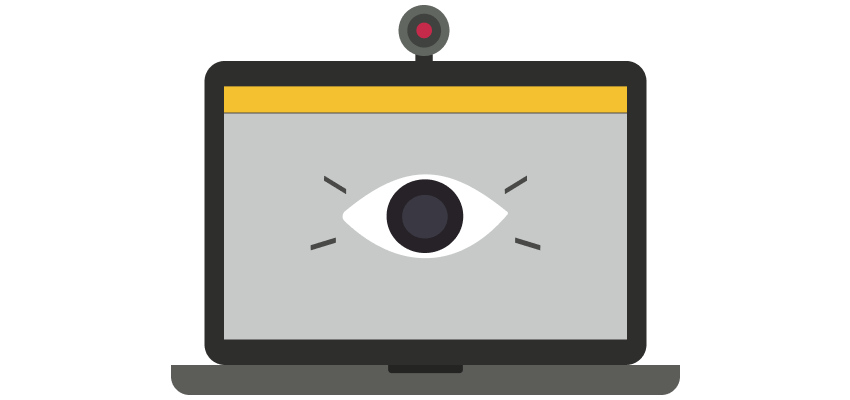
While we enjoy the convenience and benefits of webcams, enabling us to connect, communicate, and capture moments with ease, there looms an unseen danger that threatens our privacy in the digital realm: webcam hacking. As per a study, 1 in 2 Americans are unaware their webcams can be hacked through remotely controlled malware.
In this blog post, we’ll look at ways to know if your computer’s camera has been hacked and how to protect yourself from falling victim to this increasingly prevalent threat.
Warning signs to look out for
If you observe any of these indicators or a combination thereof, there is a possibility that your laptop camera is being remotely controlled and monitored.The indicator light turns on unexpectedly
Webcams typically have an indicator light that turns on when the camera is in operation. For instance, MacBooks feature a green light near the lens that signifies the camera is active, such as during a video call. However, if you notice the light turning on unexpectedly, it raises concerns. By this, we mean instances when the camera should not be engaged, such as while working on a document or browsing the web and other activities which do not involve the webcam.
Changes in webcam security settings
A clear indication of malware presence is the manipulation of factory settings. Start by accessing the security settings of your webcam and verifying their integrity. Conduct an online search to find the recommended settings for your particular device and compare them with your current configuration. If you encounter difficulties in modifying the settings or notice any irregularities, it may signify a potential issue.
Unexpected webcam files
On occasion when someone gains unauthorized access to your webcam, they access your camera to capture unsolicited pictures/videos of you or your surroundings. Most operating systems have a designated folder for storing webcam photos and videos. If you come across unfamiliar pictures in this folder that you did not capture yourself, these could serve as red flags indicating the presence of malicious software.
Spyware is becoming increasingly sophisticated making it almost impossible to trace its presence. Below listed are a few action steps you can take to prevent yourself from being hacked.
Preventive Action Steps
Always use a VPN while connecting to public wifi
For individuals who are frequently on the move and rely on public Wi-Fi connections, we highly recommend using a reputable VPN service. By using a VPN, you can ensure enhanced protection against potential threats lurking on the network.
Cover your webcam
With a webcam cover in place, even if a hacker manages to gain control of your camera, all they will encounter is a black screen, providing you with an added layer of protection. You can find a wide array of products specifically designed for this purpose.
Review your app permissions
Apps often require permission to ensure proper functionality. As a good hygiene practice, you should occasionally review the permissions you have given to different apps and disable those that are deemed unnecessary.
Regularly update your devices
Updates go beyond cosmetic improvements and often come with security protocols against zero-day vulnerabilities and emerging threats. By doing regular updates you bolster the security of your devices and minimize the risk of unauthorized access.
Afterall, forewarned is forearmed.